
The GHMC mutation certificate download process is essential for property owners in Hyderabad who need official proof of property transfer or mutation.
This certificate is often required for legal, financial, and municipal purposes, especially when you update ownership details through a GHMC property tax name change online after sale, inheritance, or gift.
Below, you’ll find a clear, step-by-step guide to download your mutation certificate directly from the Greater Hyderabad Municipal Corporation portal.
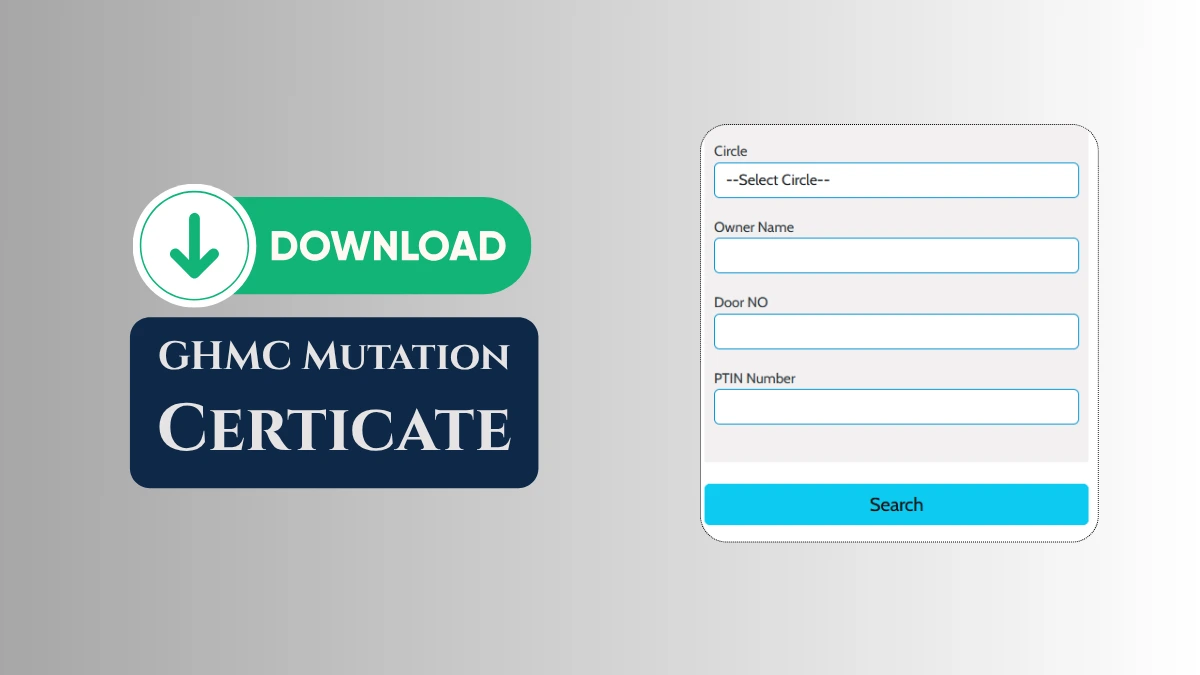
Step-by-Step Process for GHMC Mutation Certificate Download
- Navigate to Greater Hyderabad Municipal Corporation website at ghmc.gov.in
- Hover to Our Services menu on the homepage.
- Click on Property Tax.
- Select Mutation and then GHMC.
- Choose Download Mutation Certificate from the drop-down options.
- Select your GHMC circle from the dropdown list.
- Enter your property’s door number.
- Type the property owner’s name as per GHMC records.
- Enter your GHMC PTIN number. If you don’t know it, you can use GHMC PTIN search Hyderabad to find your property’s PTIN using door number, owner name, or mobile number.
- Click the Search button after entering all the details.
- If the information matches GHMC records, your mutation certificate will appear on the screen. Download or print the mutation certificate for your records.
By following these steps, Hyderabad residents can complete the GHMC mutation certificate download process efficiently and keep the certificate safe for future reference. If you have also changed the building structure or usage, consider applying for GHMC property tax reassessment so that your tax records match the updated ownership and property details.